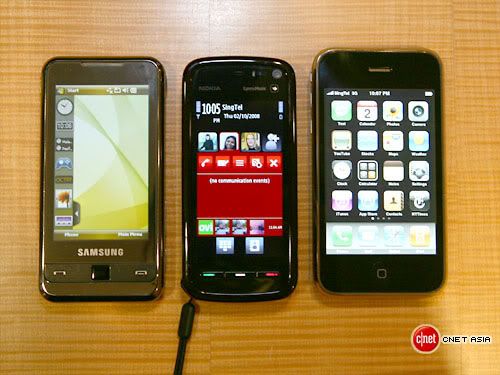
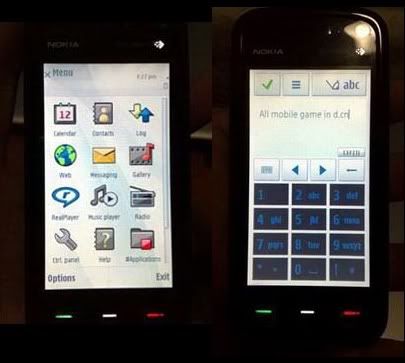
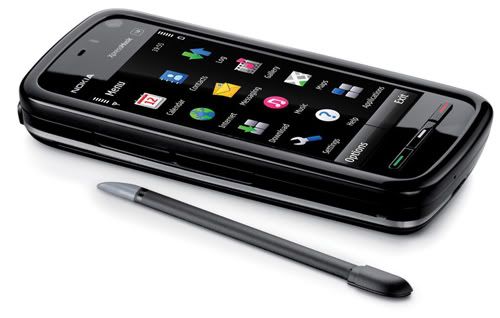
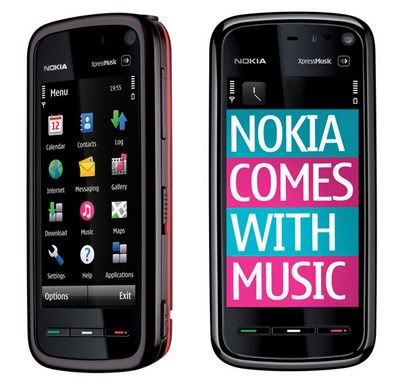
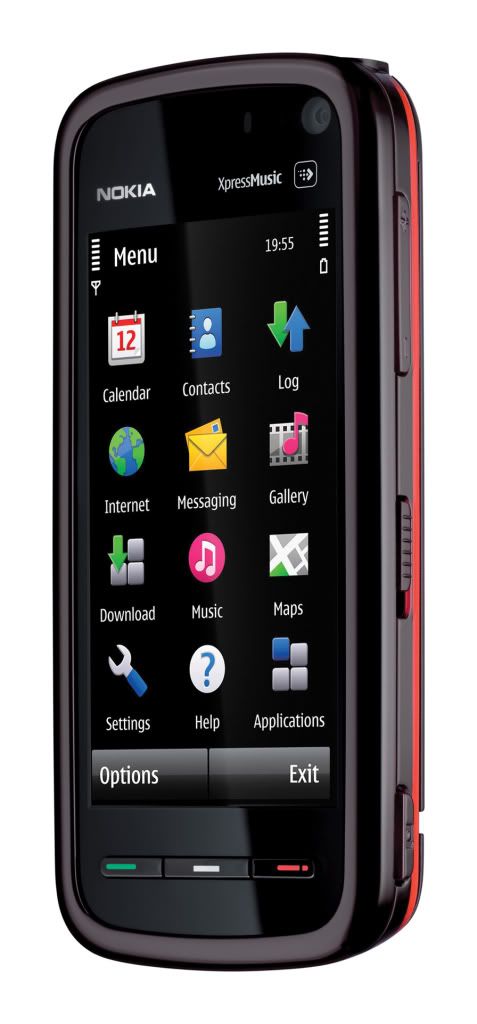
OnlyNokia5800[dot]blogspot[dot]com will share contents about Nokia 5800Xm.
We include
1. Third parties Applications & Games
2. Themes (a collection of links and websites)
3. Latest information updates from Nokia
5. Sharing between users

Downloading files from this site is at your own risk. But, I will ensure everything is useful to you.
However, they are few applications that are needed to be signed at SymbianSigned, Don't know what is SymbianSigned? Instruction when signing?? HERE
To check firmware version or whether your phone is up to date for your region HERE
Blog Widget by LinkWithin
Watch out for the updates for application, games, themes and more... everyday... every week. The site will be Collecting new Free application when it is available ... or... OVI Store for latest application

Nokia 5800 App review: Opera Mini

Posted by Isaac Wong Thursday, May 7, 2009 0 comments

Nokia 5800 App review: Opera Mini

The most happening browser in the mobile community, Opera Mini with over 20 million users is now available for symbian 5th edition devices. The following review comes after testing Opera mini on Nokia 5800 for over 2 days and the first impression is nothing short of impressive.

Installation:

To begin with, let’s start from installation of Opera Mini on 5800. The installation process is so easy that it can be done directly from your phone. Just point your mobile browser to http://mini.opera.com and you are automatically directed to the appropriate download link:

Opera mini download link

Opera Mini download link

Continue Reading >>


source: nokia5800.net

Nokia 5800 XM - OTA Firmware Update

5 05 2009

A short little video showing how the Nokia 5800 XM updates its firmware OTA (over the air). The firmware is updating from v20 to v21, i’ve sped the video up in a few places so it doesn’t drag on too long. Nothing much else to say, it does what it says on the tin!


source:nokiaaddict.com

5800 tutorials - Shooting and Sharing videos, plus Syncing music with iTunes


Published by Steve Litchfield at 10:43 BST, May 5th 2009

A couple more S60 5th Edition tutorials from myself and Tzer2, looking at How to Sync music from Apple iTunes to the Nokia 5800 and Shooting, editing and sharing videos. And, again, here's the full Nokia 5800 XpressMusic tutorial index, which should help you get much more out of your device.

"The Nokia 5800's camera is capable of shooting video at VGA resolution (640x480 pixels) at 30 frames per second, which in theory is close to the standard used by DVDs. Although phone cameras aren't as high quality as the professional cameras used on TV and film, the level of detail on 5800 video recordings may surprise you compared to most other phone cameras."


source: allaboutsymbian.com

Nimbuzz hits the Nokia 5800

One of many people's must-have utilities, and like competitor Fring before it, the VoIP and chat client Nimbuzz has been finally ported to make full use of the touchscreen on the Nokia 5800. In fact, not just a straight port, since the developers have produced the most Nokia-like UI of any third party app for the 5800 that I've seen so far. Screenshots and download link below.

(Grab your 5800 version of Nimbuzz by going to m.nimbuzz.com in Web on the phone
STOP PRESS: this wasn't working just now, so download from the main desktop download page)

Nimbuzz for the Nokia 5800 and S60 5th Edition Nimbuzz for the Nokia 5800 and S60 5th Edition

Here I'm using it in IM mode, showing my buddies on Skype

Nimbuzz for the Nokia 5800 and S60 5th Edition Nimbuzz for the Nokia 5800 and S60 5th Edition

Note the consistent use of the S60 5th UI throughout. In the right hand shot, I'm chatting with Rafe...

Nimbuzz for the Nokia 5800 and S60 5th Edition Nimbuzz for the Nokia 5800 and S60 5th Edition

Oodles of settings; and it's easy to send files and images directly to Nimbuzz-connected IM friends

Nimbuzz for the Nokia 5800 and S60 5th Edition Nimbuzz for the Nokia 5800 and S60 5th Edition

Showing the full list of currently supported IM communities in Nimbuzz...


source:allaboutsymbian.com

05.05.2009 by you.05.05.2009 by you.

Nimbuzz has been updated and ported to S60 5th Edition so that it runs perfetly on the 5800 Xpress Music and on the N97. Nimbuzz Mobile lets you call, chat, message, and send files on the go, for free. It combines all your buddies from Skype, MSN, Yahoo, ICQ, AIM, Google Talk, Facebook and more. One login, one contact list, all accounts. It’s pretty similar to Fring but compared to Fring it offers more services and better touch controls. Of course it’s for free. Just point your browser to m.nimbuzz.com to get it.

World Snooker Championship 09 3D


source: symbianworld.org

Nokia 5800 App Review: eBuddy v1.2 build 3610


ebuddy

Yes, nowadays everyone has to be in touch with others. So today I tried eBuddy, a great solution for you to get connected with all the chat accounts through you mobile phone. The version 1.2 build 3610 is specifically designed for the Nokia 5800. It works full screen and full touch sensitive.

With eBuddy you will get MSN, Yahoo, AIM and Google Talk buddies in one single buddy list. First you will have to join eBuddy and after that you can get popular and free instant messaging application on your mobile. The main key factor of eBuddy mobile messenger is:

1. Chat with all your friends anytime, anywhere with simple user interface.

2. Multiple IM account support.

3. You can set your avatar.

4. You can set your display picture.

5. Support offline messaging.

At last I want to say about offline messaging. It means if any of your friends is offline you can also send him/her message from your mobile through eBuddy, and opposite - you also can receive offline message sent to you. Just install eBuddy and get connected with your world. eBuddy is available on mobicreed.com.

PS: Sometimes it happens in Java programs that you can’t get full screen. just do the following:

Press menu>settings>application manager>installed apps>click eBuddy>select options>select suite settings>and turn OFF the “on screen keyboard”


source: 5800.net

Nokia 5800 Theme: Bubbles

Posted by Isaac Wong Tuesday, May 5, 2009 0 comments

Simple but elegant, download Nokia 5800 theme, Bubbles by claritinkata

Compatible Nokia Phones: 5800 themes, n97 themes, 5530 themes

Download Nokia 5800 theme


source: nokiafanboy.com

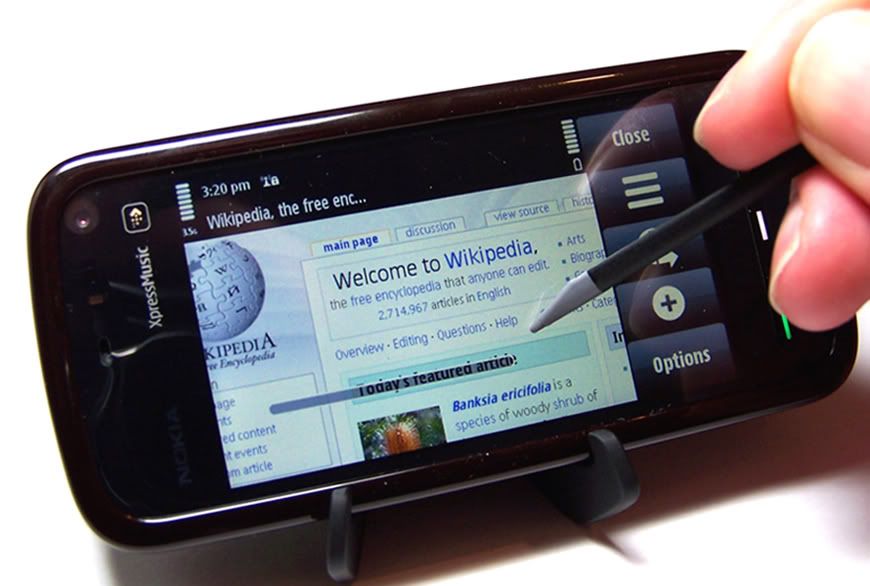
Radio and Music Transfer/Playback on the Nokia 5800

Published by Steve Litchfield at 9:05 BST, May 4th 2009

More beginner features in our S60 5th Edition tutorial series from Tzer2: How to use the FM radio (and RDS) on the Nokia 5800 XpressMusic and How to transfer and listen to music tracks and CDs on the Nokia 5800 XpressMusic. This last is lengthier and includes material on the newish 'Nokia Music' Windows application. It is planned to extend this comprehensive set of tutorials once the N97 is available. And, no doubt, to some degree when the Samsung Omnia HD arrives, as well. Enjoy.


Source: allaboutsymbian.com


Latest Carry Cases for Nokia 5800
By Anunay | May 4, 2009
News, Reviews, Specifications, Themes | Comment

With the introduction of the latest touch device from Nokia that is Nokia 5800, the market is flooded with different types of carry cases. However, Nokia 5800 package comes with an included black hard plastic carry case from nokia, it is not very attractive and makes the mobile look more stone aged. I will review here Black Silicone Case and PDair Leather Flip Case for Nokia 5800 Xpress Music.

I have reviewed the following two types of carry cases readily available in the market and getting popular day by day. However, both of these have their pros and cons. Let’s examine them.

Black Silicone Case for Nokia 5800 XpressMusic

nokia-5800-silicone-skin-1cSilicones are heat resistant, non-stick and rubberlike material. They are largely used with electronic equipments to increase stability against mechanical and electrical shock. The silicone case wraps around your phone like an additional skin which protects your phone as well as gives you access to all the functionalities of your phone like, camera key, lock key, stylus, etc. There are gaps left in the case for easy access to all the additional buttons on the outside body of your phone.

Black Silicone Case carry case boasts of an Anti Dust Technology that repels dust and protects the phone. In most cases what I have seen is that there is a constant need for you to clean your phone once a week by taking out carry case as the dust settles around all the open gaps in the carry case. The anti dust feature of this carry case is indeed a good feature to go for. Also, the carry case protects the phone from any bumps or falls.

The silicone case does get oily for its in constant touch with your palm and may need to be cleaned. However, the oil does not reach your phone and can be easily wiped off. Also, there is one major flaw, it gets difficult to slide the lock/unlock slide key at the side of the phone due to the thick silicon case. Buy here

PDair Leather Flip Case - Nokia 5800 Xpress Music

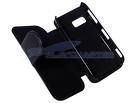
4893_1I liked PDair Leather Flip Case carry case for its build quality and style. It does look professional and something from the original manufacturer. If you remember Nokia N95, it comes with a similar carry case in the nokia package itself and looks quite trendy.

Lets examine this carry case in more detail. PDair Leather Flip Case comes with a white stitch finish which adds to its good looks. Its comes with a magnetic studs that facilitate the opening and closing of the flap. It provides easy access to all the external buttons, ports and the stylus. Another design feature that I felt is great is that it does not make the phone look bulky but keeps the phone size well balanced. The belt clip design is outstanding and the way it locks on to the clip and releases is really smooth and shows some serious design efforts by its manufacturer.

Nothing comes perfect and we must accept it. One thing which I didn’t like is that that you need to open the flap to insert the charger node. There is a small design flaw that does cause a little discomfort and that is a piece of leather between the speaker gap and the secondary camera that blocks the proximity sensors. This unwanted piece of leather disables the touch screen during a call and you cannot utilize any of the screen functions during a call. A nice solution would be to remove this piece of leather yourself.

Buy here

Hence, as we move on, more and more carry cases would be flooding the markets with better design options. It’s not been a year also since the release of Nokia 5800. Keep following for more updates and reviews on better carry cases.

source: nokia5800.net/

|
|
|
|
|
|
|
PhotobucketPhotobucketPhotobucket

Check for latest updates on News Achieved

5800XM gang